

Step-by-Step KenyaEMR Client Registration SOP – Updated March 2024
Learn how to properly register clients in KenyaEMR using the official SOP (March 2024). Covers demographic details, biometrics, unique identifiers & more. Ideal for health workers and EMR managers.

⚕️ MEDICAL DISCLAIMER: This content is for educational purposes only and should not be considered as medical advice. Always consult with qualified healthcare professionals before making any medical decisions.
🌟 The Ultimate KenyaEMR Client Registration SOP Guide (2024)
🔍 Overview
This guide is the definitive walkthrough of the latest KenyaEMR Client Registration SOP released in March 2024 by NASCOP and the Kenya Health Informatics Program (KHIS). It is designed to empower healthcare workers, data clerks, and EMR managers with a step-by-step guide that’s not just accurate but also automation-ready, field-tested, and SEO-optimized for maximum usability.
📌 Whether you're working in HTS, CCC, OPD, or inpatient settings, this guide ensures 100% SOP compliance and zero data entry errors.
📅 What’s New in the March 2024 SOP?
- Redesigned client registration workflows
- Updated biometric integration steps
- Streamlined CCC Number generation logic
- Real-time de-duplication guidance
- Facility-specific configuration standards
✅ Step-by-Step Registration Flow
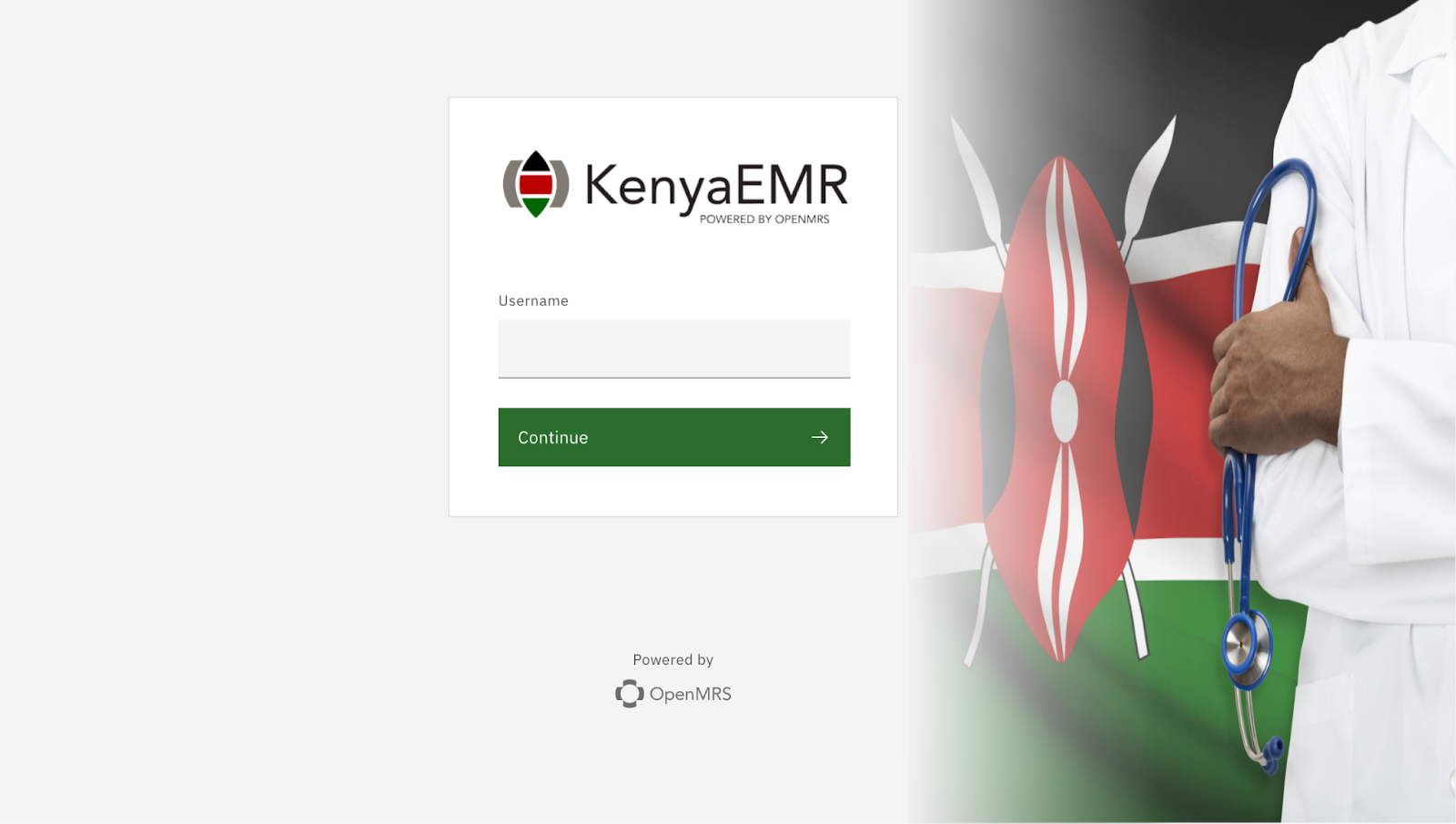
① Login to KenyaEMR
- Open your facility’s KenyaEMR instance.
- Enter username, password, and select location.
② Access the Registration Module
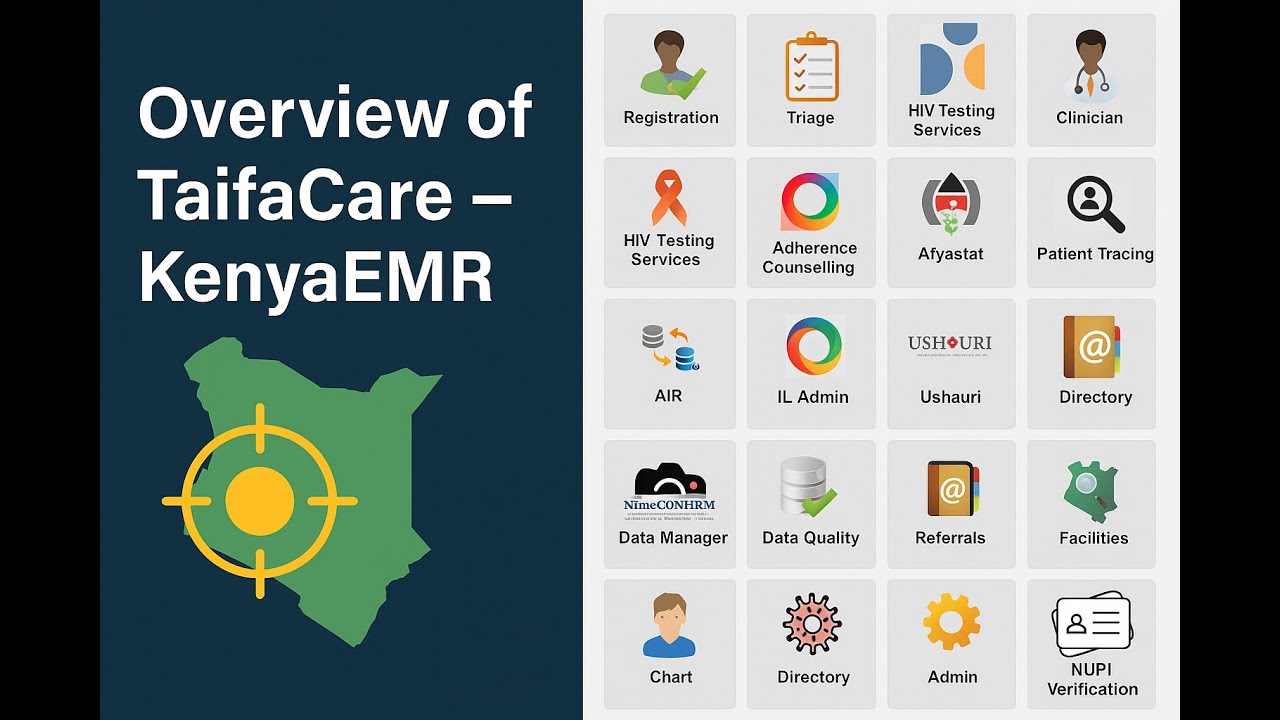
- Navigate to: Registration → Client Registration
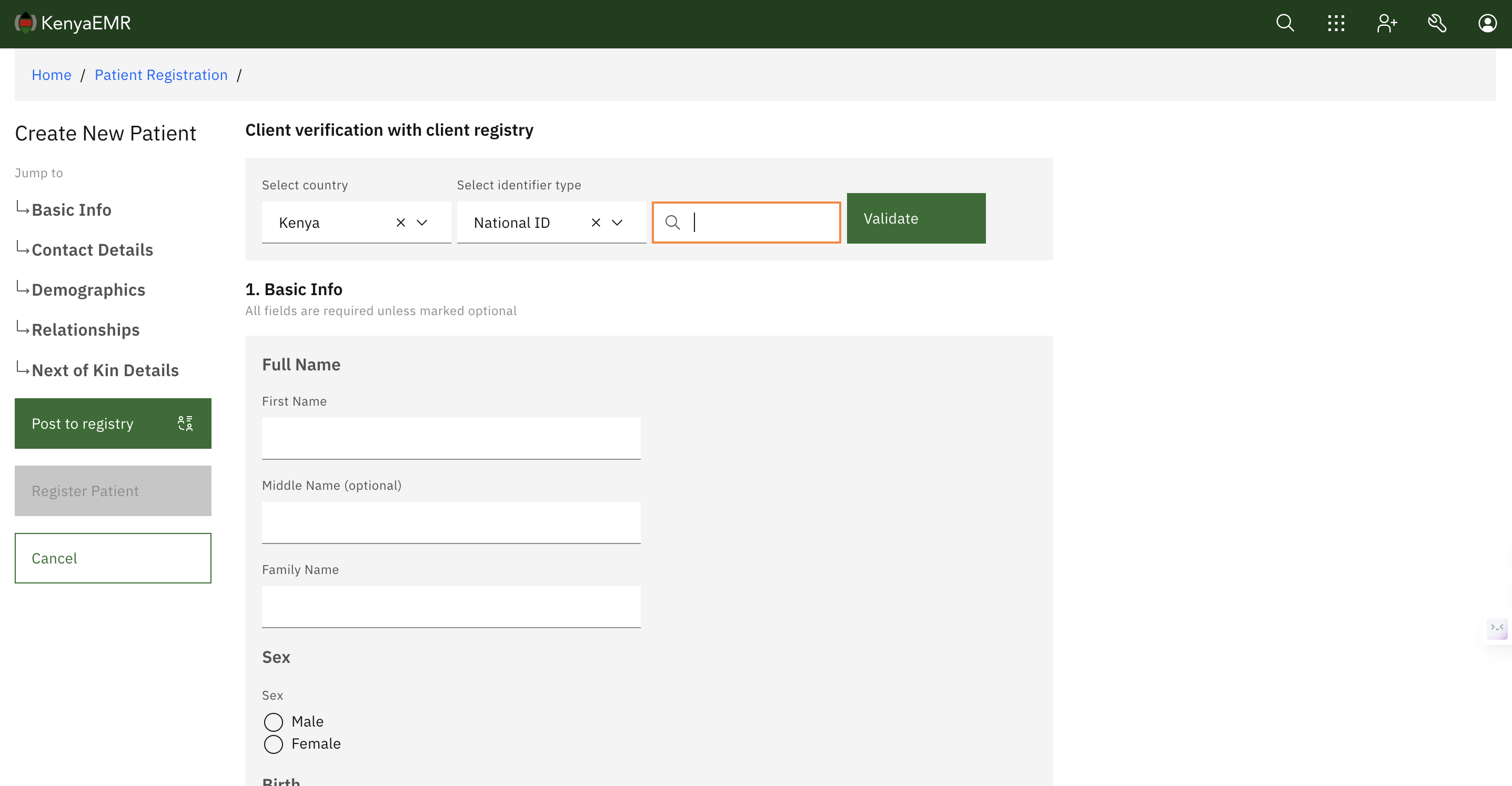
③ Capture Core Demographic Data
- Full Name (First, Middle, Last)
- Date of Birth / Age
- Gender
- Marital Status
- ID/Birth Certificate Number
- Phone Number(s)
- Next of Kin Name & Contact
④ Generate Unique CCC Number
- Auto-generated using: Facility Code + Sequential Number
- For transfer-ins: always search before assigning a new CCC
⑤ Client Source Details
Select source of registration:
- HTS / CCC / OPD / MCH / Inpatient / Pharmacy / Other
⑥ Biometrics (If Available)
- Capture fingerprint via biometric scanner
- If unavailable, leave blank
⑦ Final Review & Save
- Ensure all mandatory fields are completed
- Click Register Client or Save & Exit
⚠️ Common Errors to Avoid
| Error | Solution |
|---|---|
| Duplicate records | Always search before creating a new profile |
| Blank required fields | Check all fields marked with an asterisk (*) |
| Incorrect CCC Number | Ensure facility code is configured correctly |
🏥 Special Case Scenarios
Transfer-In Clients
- Obtain CCC number from source facility
- Use transfer-in function to retain care history
Returning Clients
- Search by Name / ID / Phone
- Resume care without re-registering
🌐 Digital Optimization Best Practices
- Use full names, avoid typos
- Ensure phone numbers use international format (+254)
- Run de-duplication checks regularly
🔗 Download Official SOP
Click below to download the official KenyaEMR SOP PDF:
📚 Additional Resources
🚀 Upcoming Automation Scripts
We are developing a full Python-based client registration automation tool using Selenium and KenyaEMR data formats. Subscribe or bookmark this site to stay updated.
🌟 Final Thoughts
The KenyaEMR Client Registration SOP is the foundation of accurate, efficient, and quality service delivery in Kenyan health facilities. Adhering to this SOP ensures:
- High-quality patient data
- Faster MOH reporting
- Seamless service continuity
This blog post is updated regularly to reflect the latest MOH guidance and system improvements.
What's Your Reaction?
 Like
0
Like
0
 Dislike
0
Dislike
0
 Love
0
Love
0
 Funny
0
Funny
0
 Wow
0
Wow
0
 Sad
0
Sad
0
 Angry
0
Angry
0




Comments (0)