


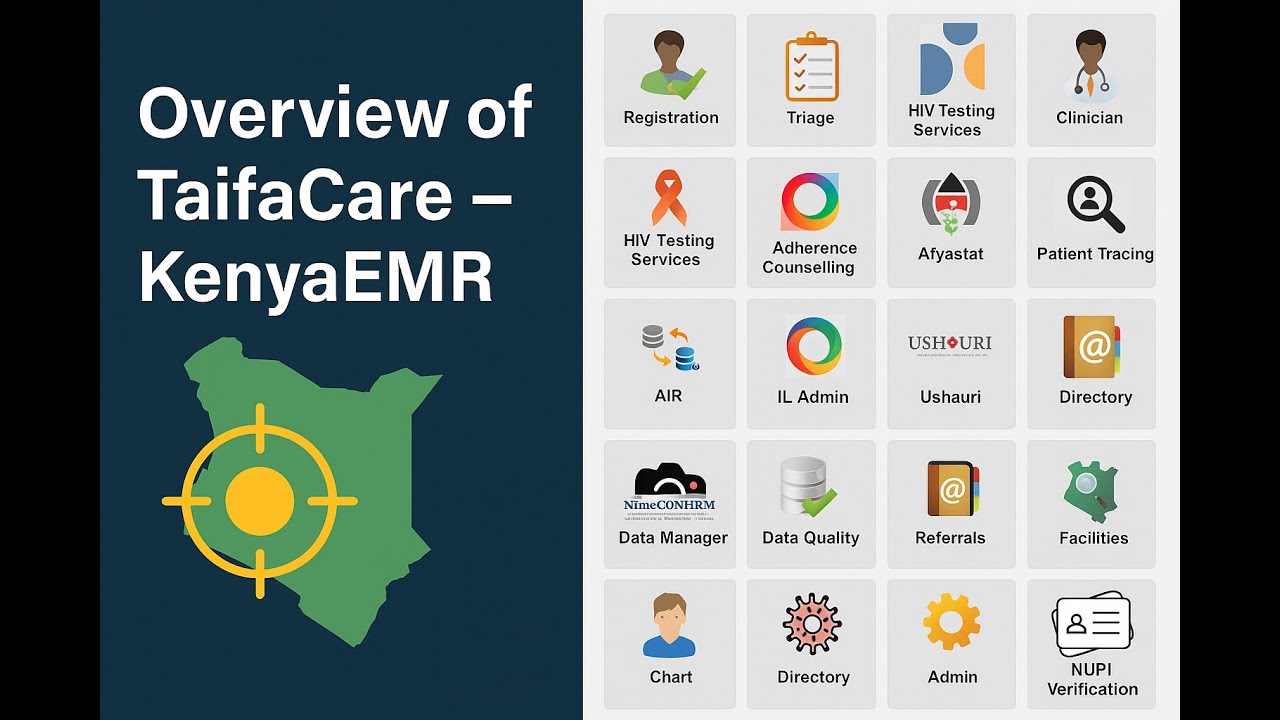

How to Upgrade to KenyaEMR 3.x
Learn how to upgrade your KenyaEMR system to version 3.x with this step-by-step guide. Includes system requirements, DWAPI setup, database migration, and validation tips.

⚕️ MEDICAL DISCLAIMER: This content is for educational purposes only and should not be considered as medical advice. Always consult with qualified healthcare professionals before making any medical decisions.
🚀 Step-by-Step Guide: How to Upgrade to KenyaEMR 3.x (March 2024)
Upgrading your KenyaEMR from version 2.x to 3.x improves performance, reporting features, and ensures compliance with MOH and NASCOP standards. This guide simplifies the upgrade process into clear, manageable steps.
🔧 Prerequisites
✅ What You Need:
- Ubuntu Linux server (20.04+)
- Java 11 installed
- MySQL 8.0+
- Tomcat 9
- DWAPI v3.1.2 or above
📦 Backup First
- MySQL database backup:
mysqldump -u root -p kenyaemr > backup.sql - Backup current WAR and modules folder
- Backup appdata and custom config files
⛔ Step 1: Stop KenyaEMR Services
sudo systemctl stop tomcat9
sudo docker stop dwapi_container
Also disable ETL cron jobs and automated tasks.
📥 Step 2: Download the KenyaEMR 3.x Files
- Download the
openmrs.war - Get updated .omod modules
- Download DWAPI image or installer
- Download ETL and backup scripts
🔁 Step 3: Replace WAR File
sudo rm /var/lib/tomcat9/webapps/openmrs.war
sudo cp /path/to/new/openmrs.war /var/lib/tomcat9/webapps/
sudo rm -rf /var/lib/tomcat9/webapps/openmrs
🧩 Step 4: Update Modules
- Delete old .omod files from:
/usr/share/openmrs/modules/ - Copy new module files:
cp /new/modules/*.omod /usr/share/openmrs/modules/
🧠 Step 5: Database Migration
sudo systemctl start tomcat9Then open http://localhost:8080/openmrs and follow the on-screen prompts to upgrade the database schema.
🔗 Step 6: Update DWAPI
docker pull palladiumkenya/dwapi:v3.1.2
docker run -d -p 5757:5757 --name dwapi palladiumkenya/dwapi:v3.1.2
Ensure configuration matches your NASCOP/CSD setup.
✅ Step 7: Post-Upgrade Testing
- Check all clinical forms (HTS, PrEP, TB, etc.)
- Validate lab manifest, pharmacy & billing workflows
- Ensure dashboards, DWAPI sync, and MOH reports function
🔄 Step 8: Re-enable Automations
- ETL refresh on startup
- Daily/weekly database backups
- MOH 731/705A auto-generation
🧯 Rollback (If Needed)
mysql -u root -p kenyaemr < backup.sqlRestore the previous WAR and module files, then restart Tomcat.
🎯 Final Checklist
| Area | Status |
|---|---|
| System boots | ✅ |
| Forms load | ✅ |
| DWAPI syncing | ✅ |
| ETL/Dashboards | ✅ |
| Reports (MOH) | ✅ |
📎 Resources
💬 Need Help?
Leave a comment below or contact us on WhatsApp. You can also follow our YouTube channel for tutorial videos.
What's Your Reaction?
 Like
0
Like
0
 Dislike
0
Dislike
0
 Love
0
Love
0
 Funny
0
Funny
0
 Angry
0
Angry
0
 Sad
0
Sad
0
 Wow
0
Wow
0